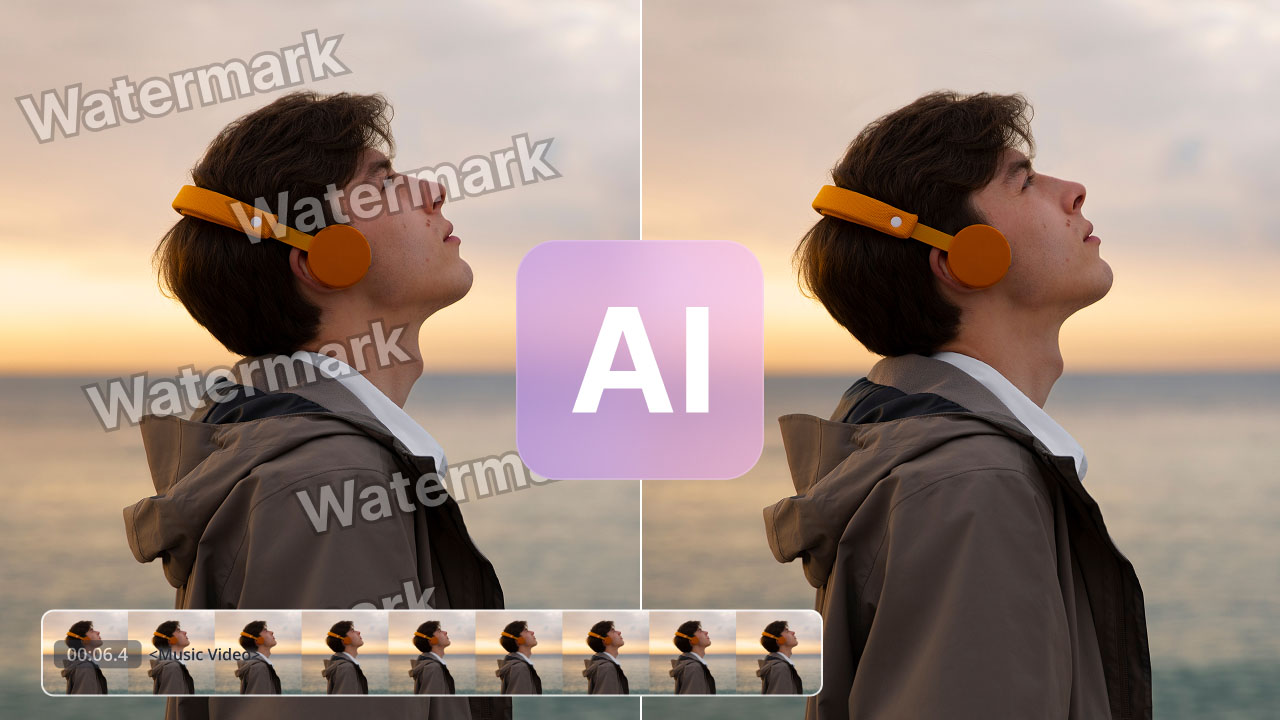
Drop video anywhere
Snapchat Video Watermark Remover
Use this tool only with videos you own, created yourself, or are authorized to edit. You are responsible for ensuring watermark removal complies with copyright and other applicable laws.
Try image watermark remover
Clear a Snapchat Watermark in 4 Quick Steps
1. Save the Snap or Spotlight clip
Save the video to your camera roll first, then drag it onto DeWatermark or click Upload. Works for Snaps, Stories and Spotlight downloads alike.
2. Preview it free
Tap “Get 5s Preview” to see the first five seconds with the ghost logo and username already gone, no credit spent yet.
3. Clear the whole video
Happy with it? Tap “Get Full HD Video” and the AI clears the ghost icon, handle and any stickers from every frame. Credits apply.
4. Download the clean video
Pick your export quality and save the watermark free video straight to your phone or computer.




Get the Snapchat Watermark Remover App
DeWatermark.AI is on the App Store and Google Play, so you can clean up Snaps right where you saved them.


What This Snapchat Watermark Remover Clears
The Ghost Logo Is on Every Saved Snap
Every Snap or Spotlight clip you save carries the yellow ghost icon in a corner, and there's no app setting to skip it. DeWatermark detects it frame by frame and rebuilds the footage behind it.
Erase the @username Watermark
Spotlight clips and shared Snaps stamp the creator's handle right next to the ghost icon. DeWatermark lifts the text cleanly, leaving no blur patch where the username used to sit.
Clear Time, Temperature and Location Stickers
Snaps often carry a timestamp, temperature or location sticker layered over the footage. DeWatermark removes those too, not just the ghost logo, and fills the area back in naturally.
Built for Spotlight's 60 Second Clips
Spotlight videos run up to 60 seconds and carry the same ghost-and-username watermark as saved Snaps. That's well inside DeWatermark's video limit, so a full clip processes in one pass.
No Snapchat+ Plan Removes This Either
TikTok has a workaround if you plan ahead, and CapCut sells a paid tier for it. Snapchat offers neither, not even on Snapchat+, so a saved video stays watermarked unless you use a tool like this.
Since Snapchat Won't Do This For You
Four things that actually matter once the job falls on the AI.
Detects and Rebuilds in the Same Pass
A CNN model finds the ghost icon, username and any stickers frame by frame, then a GAN model fills the space back in using the surrounding color and motion, so nothing looks patched or blurred.
Start Free, Top Up Only When You Need To
You get 3 credits a day for free, no card required. Need more? Buy a one-off credit pack with no subscription, or move to the Pro plan if you're clearing videos often enough to want the volume rate.
Keeps the Vertical Frame Exactly as Shot
Snaps are recorded in 9:16, and DeWatermark exports at that same resolution and aspect ratio. Nothing gets stretched, cropped, or squeezed to fit, so the result matches your original footage exactly.
Free Preview, No Account Needed
Try Get 5s Preview straight away, no account needed. It is one less step between finding this page and seeing whether the result is good enough to pay for.
What users say about the DeWatermark Snapchat watermark remover
Discover More Powerful AI Tools On Dewatermark
Our comprehensive ecosystem of image and video editing tools.
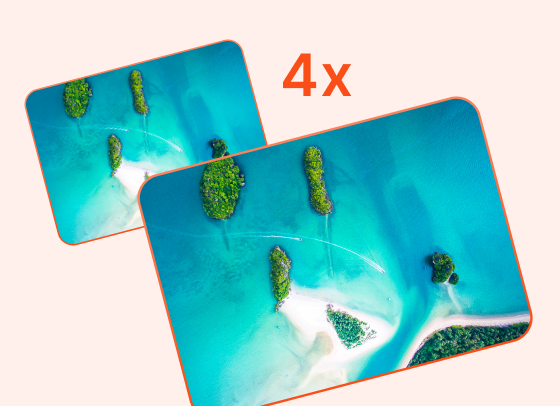
AI Image Enhancer
Enhance image resolution up to 2x, 4x without pixelation.
Try Now

PDF Watermark Remover
Quickly remove watermarks from PDF documents.
Try Now
Image Watermark Remover
Remove watermarks from images with precision.
Try Now
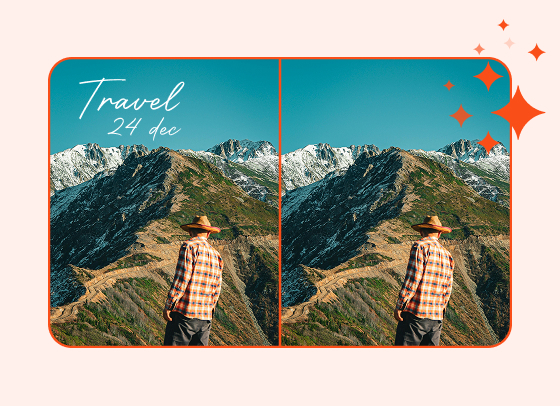
Magic Text Remover
Remove text and dates from images with precision.
Try Now
Frequently Asked Questions
Common questions about removing Snapchat watermarks from videos
Yes. Upload your Snap or Spotlight download to DeWatermark and tap 'Get 5s Preview' to see the first five seconds with the ghost logo gone, free, up to 3 previews a day with no login needed. Clearing the full video costs 1 credit per second of footage from your credit balance.
No. DeWatermark exports at the original resolution in MP4 and keeps the audio track exactly as recorded. Only the watermark area is reconstructed; the rest of the frame is untouched.
Usually 10 to 15 seconds for a typical clip. Longer or higher resolution Snaps take a little more time, since the AI has to work through every frame in sequence.
Yes. The @username sits next to the ghost icon and is detected as part of the same overlay, so both are cleared in one pass.
Yes. Spotlight clips run up to 60 seconds and carry the same ghost-and-username watermark as any saved Snap, so DeWatermark clears them the same way.
Yes. Time, date, temperature and location stickers are overlays like any other, so the model removes them and rebuilds the background beneath.
Not yet, DeWatermark processes one video at a time. For batch work across many files, the batch image watermark remover handles up to 50 images at once.
Only if you have the right to edit that footage. A Snap you didn't film, or weren't given permission to reuse, should stay as is. It's fine for your own Snaps, Memories, or content you have clear permission to edit.