Batch Image Watermark Remover
Use this batch tool only with images you own, created yourself, or are authorized to edit. You are responsible for ensuring watermark removal complies with copyright and other applicable laws.
How to bulk remove watermarks in images?
1. Upload your images
Click or drag to upload up to 50 images at once into the batch watermark remover.
2. Customize your settings
Choose the AI model, enable text editing if needed, and select your output format.
3. Process & download
Run the batch removal. Our automated workflow will apply your settings, generate the results, and you can review and download all images in a ZIP file or individually.
4. undefined




Automated Batch Watermark Remover: AI for Bulk Edits
Save time with batch watermark remover
A batch watermark remover helps you save time by processing dozens of images instantly instead of editing them one by one. Whether you upload 5 or 50 images, the system handles them within seconds thanks to optimized AI acceleration. This fast watermark removal workflow is perfect for sellers or photographers who handle large batches daily. Ideal when you need to clean up product photos quickly for speed and efficiency.
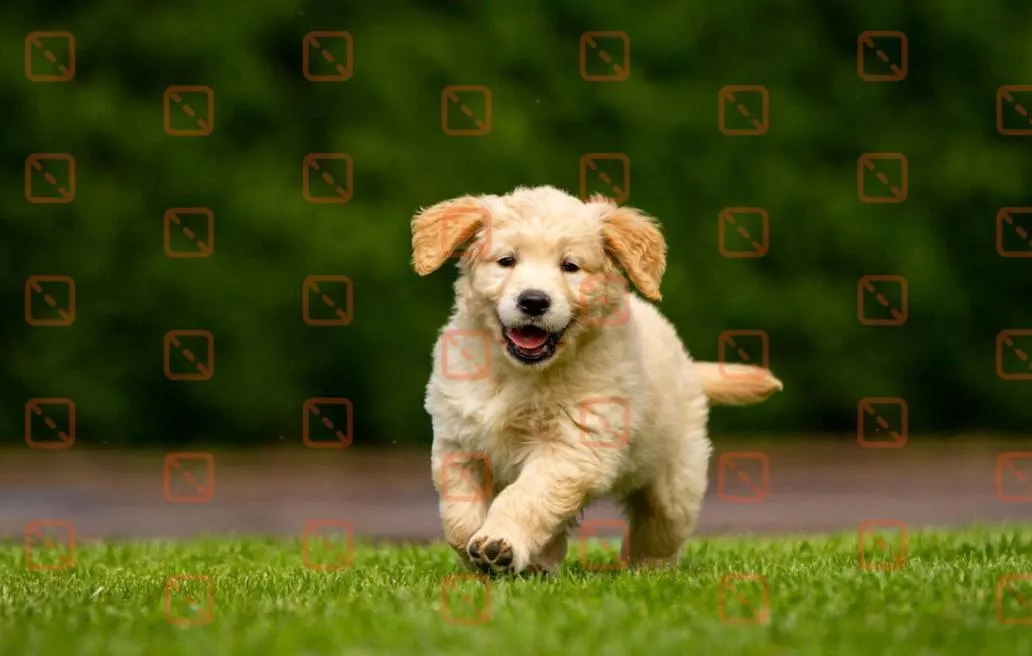

Automated workflow for repetitive tasks
With automated watermark removal, you no longer need to repeat the same steps on each image. The tool removes logos from images in bulk, making it ideal for dropshippers or marketers who source visuals from suppliers. This automation is a major advantage when you need to clean up product photos before uploading them to marketplaces.


Keep the quality consistent across all batch-process images
A batch watermark remover ensures every photo is edited with the same precision, resulting in clean, uniform visuals. This is essential for brands needing consistent product image editing for catalogs or ads. Whether you're removing text, logos, or date stamps, the output quality stays stable across the entire batch.


No photoshop needed
You don’t need any professional editing skills to remove watermarks from multiple images at once. The AI handles everything, making batch watermark removal simple and accessible for beginners, shop owners, and content creators. Perfect for eCommerce teams who want to clean up product photos fast without relying on Photoshop experts.


Why choose the batch watermark remover on Dewatermark?
Experience cleaner, faster, and more accurate watermark removal powered.
AI detect watermark
Our batch watermark remover uses advanced AI to accurately detect watermark regions across multiple images.
Intelligent texture creation
Instead of simply blurring the area, the AI tool intelligently reconstructs the background texture, ensuring a natural and clean result.
Zero quality loss
Details remain sharp without smudging, distortion, or loss of quality—perfect for product image editing or restoring professional visuals.
Flexible output formats
You can also choose your preferred output format, including PNG, JPG, or WEBP, giving you full control over image quality and file size.
What People Are Saying
Discover More Powerful AI Tools On Dewatermark
Our comprehensive ecosystem of image and video editing tools.
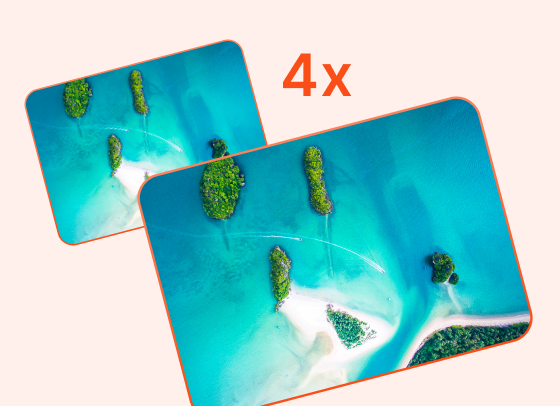
AI Image Enhancer
Enhance image resolution up to 2x, 4x without pixelation.
Try Now
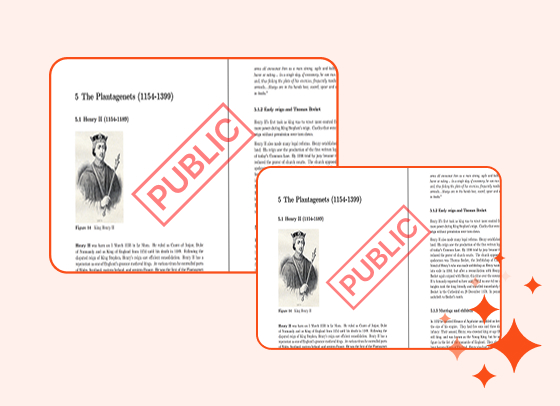
PDF Watermark Remover
Quickly remove watermarks from PDF documents.
Try Now
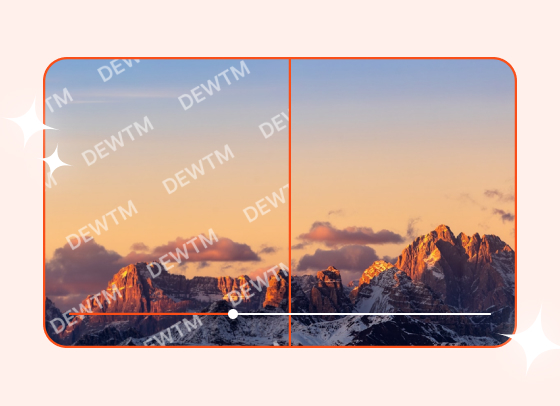
Video Watermark Remover
Automatically remove logos and text from videos.
Try Now

Magic Text Remover
Remove text and dates from images with precision.
Try Now
Frequently Asked Questions
People also asked about our batch watermark remover
You can upload up to 50 images per batch. If you have more, simply run multiple batches. This tool is optimized to handle large file sets without slowing down.
No. Dewatermark refills missing areas instead of blurring them, allowing images to retain their original resolution, sharpness, and color accuracy. There is zero quality loss even in bulk mode.
You can upload JPG, PNG, WEBP, and most common photo formats. When exporting, you can choose JPG, PNG, or WEBP based on your quality or file-size needs.
The AI can remove a wide range of watermark styles, including text, logos, transparent layers, corner stamps, centered overlays, and repeated patterns. Even complex marks on textured surfaces can be handled with high accuracy.
Very complex watermarks that overlap critical object details may require slight manual touch-ups. You can use the built-in editor after AI processing to refine any remaining areas. We also recommend enabling text remover if the watermark is kind of text type.
All images are processed automatically and deleted shortly after completion. Dewatermark.ai does not store or reuse your files. Your images remain private throughout the entire workflow.
Most batches finish within a few seconds to a minus, depending on watermark complexity and image size. Even 50-image uploads typically process faster than manual editing a single photo in traditional software.
No. the Batch Watermark Remover is currently available on desktop only. Mobile and tablet users can use our single-image remover to process images one-by-one, or switch to a computer to run batch jobs of up to 50 images. Mobile batch support is being considered for a future release.