Batch Image Enhancer With AI
Use this batch tool only with images you own, created yourself, or are authorized to edit. You are responsible for ensuring watermark removal complies with copyright and other applicable laws.
How to enhance photos in bulk with 3 simple steps
1. Upload your images
Drag and drop your entire folder of images into our secure editor. We support JPG, PNG, and WebP formats. A preview grid will display all images in the batch queue so you can review them before processing.
2. Choose your AI mode
Choose your AI mode: Standard, Art Mode, or Super-Resolution (2× or 4×). The AI automatically processes each image in real time, including denoising, restoring edges, recovering details, increasing dynamic range, and applying consistent color correction across the entire set.
3. Process & download
Once finished, you can view side-by-side before and after previews for each image, do manual edits if needed, and then download your entire enhanced batch in a single ZIP file.
4. undefined




Batch Image Enhancer: Upscale & Restore Photos
Improve resolution for dozens of images at once
Upload up to 50 of images simultaneously. You can scale photos to 2×, 4× making them sharp enough for printing, large displays, product listings, or marketing campaigns. Our batch image enhancer processes them in a queue, freeing you up to do more important things.
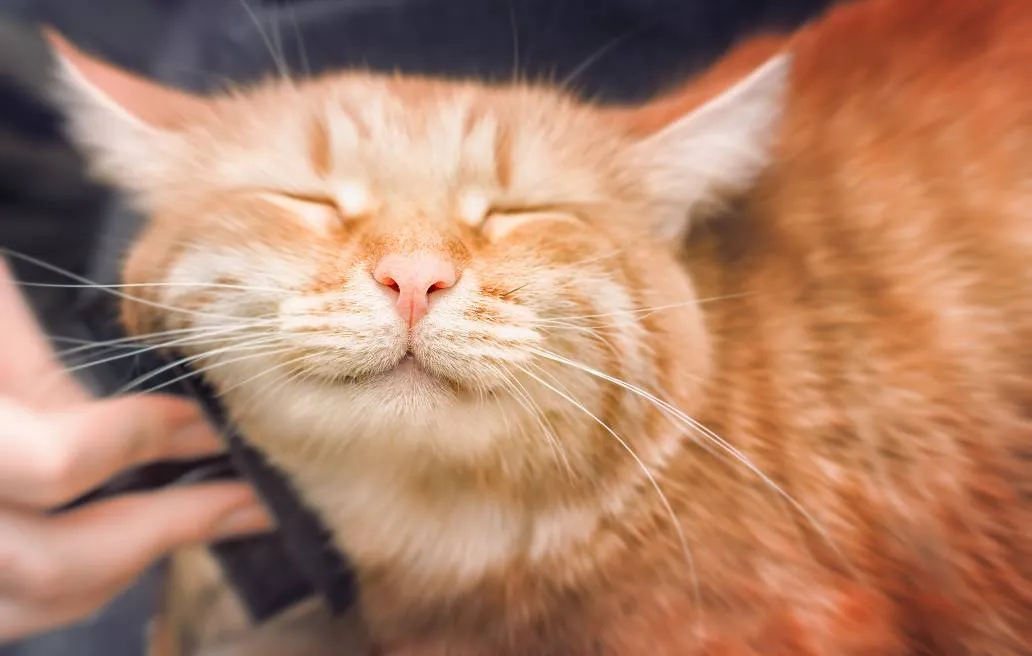
Automatically correct lighting, sharpness and color in bulk
The batch image enhancer analyzes each image independently to adjust brightness, contrast, texture, and color balance while keeping the style consistent across the full set. With one click, you can batch enhance photos and maintain a clean, polished aesthetic across hundreds of images.
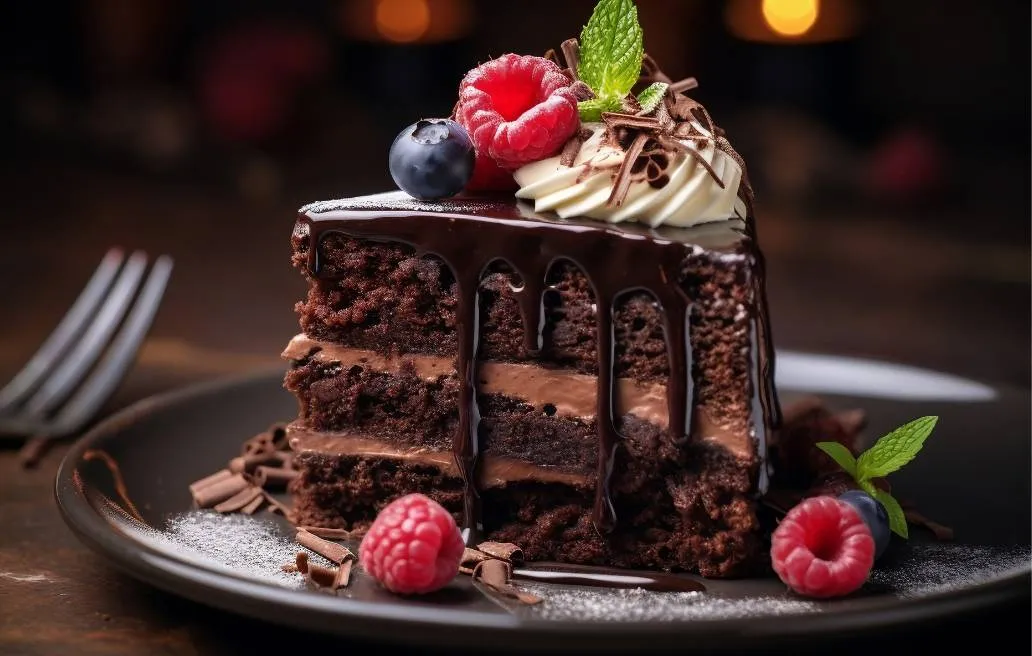
AI restoration for blurry, noisy or low-quality images
If your photos are old, shot in low light, heavily compressed, underexposed or taken with older smartphones, the batch image enhancer ai restores clarity by reconstructing missing details using deep learning. It removes noise, fixes motion blur, and sharpens faces, objects, and textures at once, without producing artificial or over-edited results. This makes the tool ideal for restoring historical photos, digitizing family albums, refreshing old catalogs and standardizing low-quality product images at scale.

Fast & multi-format support
Our batch AI image enhancer free version supports the most common formats, including PNG, JPG, and WEBP. No installation, no technical setup. Everything runs smoothly in your browser. You can process entire folders of pictures in one upload, making the enhancement workflow seamless and incredibly efficient.


Who Is This Bulk Enhance Photos Tool For?
Perfect for professionals who handle large volumes of images daily and demand efficiency.
Photographers & content creators
Prepare a whole wedding gallery, enhance a photoshoot, or upscale your portfolio pieces in minutes, not days. Ensure a consistent, professional look across all your deliverables.
E-Commerce sellers
Batch enhance your entire product catalog. Make your listings pop with clearer, brighter, and more professional-looking images that drive sales. Perfect for standardizing images from different sources.
Archivists & historians
Breathe new life into historical documents, family archives, or scanned photographs with gentle AI restoration. Our batch enhancer can gently clean up and upscale old images, preserving details for future generations.
Social media managers & marketers
Prepare a full week of content in one batch. Achieve consistent visual quality across your campaign.
What People Are Saying
Discover More Powerful AI Tools On Dewatermark
Our comprehensive ecosystem of image and video editing tools.
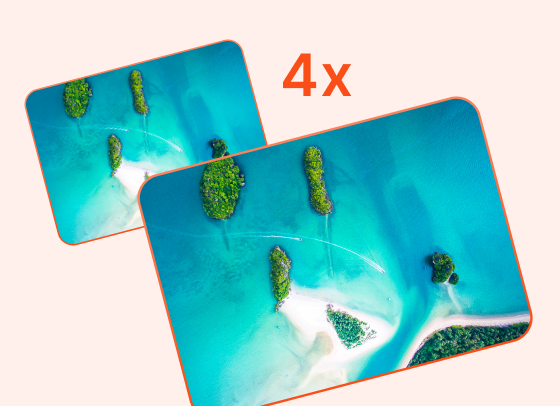
AI Image Enhancer
Enhance image resolution up to 2x, 4x without pixelation.
Try Now
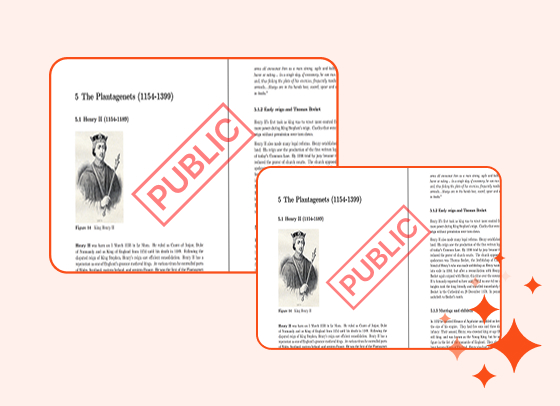
PDF Watermark Remover
Quickly remove watermarks from PDF documents.
Try Now
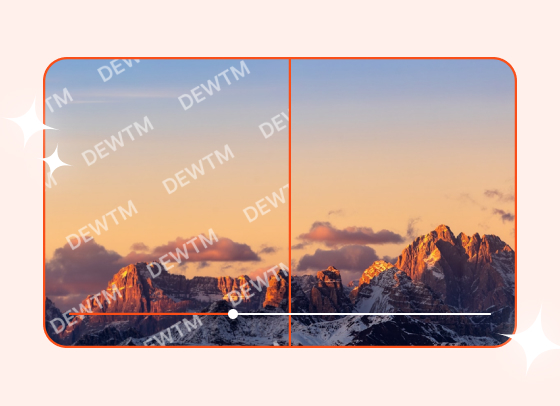
Video Watermark Remover
Automatically remove logos and text from videos.
Try Now
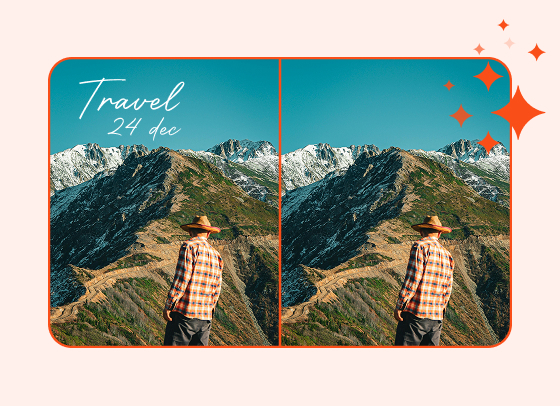
Magic Text Remover
Remove text and dates from images with precision.
Try Now
Frequently Asked Questions
People also asked about our batch image enhancer
The batch AI image enhancer free tool can upscale resolution by 2x or 4x, sharpen blurry details, reduce noise and compression artifacts, enhance colors and contrast, and restore clarity to multiple low-quality photos. Results work best on images with some existing detail rather than extremely pixelated sources.
Yes. Even high-quality images can benefit from AI enhancement, but the improvement will be subtle. The batch image upscaler delivers the most noticeable results on images below 1000px, where the before-and-after difference becomes much clearer.
You can process up to 50 images per batch. The premium plan unlocks limits and faster processing speeds.
Yes. The AI ensures consistent lighting, sharpness, and color grading across the entire batch, perfect for product catalogs or event galleries.
All images are processed securely and automatically deleted after completion. Dewatermark.ai does not store, share, or reuse your files. Your photos remain completely private throughout the entire enhancement workflow.
The batch image enhancer is currently optimized for desktop and laptop browsers only. You can still enhance single images on mobile, but batch processing (up to 50 images) requires a computer for best performance and stability.
Processing time depends on image resolution and the enhancement mode you choose. Most batches, especially 10–50 images, finish within seconds to a few minutes. Super-Resolution 4× takes slightly longer due to additional detail reconstruction.
You can export enhanced images in JPG, PNG, or WEBP, regardless of the original upload format. This gives you full control over quality, transparency support, and file size for web, printing, or product listing needs.