Most guides on image rights explain why you need permission before using someone else's photo. Far fewer explain what actually happens when you try to get that permission - how to track down the real owner, how to write a message that gets a response instead of being ignored, and what to do with the most common outcome of all: silence.
This guide skips the legal theory (you can read that in our breakdown of image copyright law and the legal risks of using watermark-free images commercially and focuses on the part most people get stuck on: the actual process of asking.
When You Actually Need to Ask First
You generally need permission any time you didn't create the image yourself and it isn't clearly licensed for your use — on a blog, in an ad, on a product page, or anywhere else outside personal, private use. A missing watermark doesn't change that; we cover the most common myths about "watermark-free means free to use" in our guide to using Google Images legally.
You can usually skip the permission step only when:
- You took or created the image yourself
- It's licensed from a stock platform under terms that cover your use case
- It's verified public domain or carries a Creative Commons license that allows your intended use
- If none of those apply, the next step isn't editing the image - it's finding out who owns it.
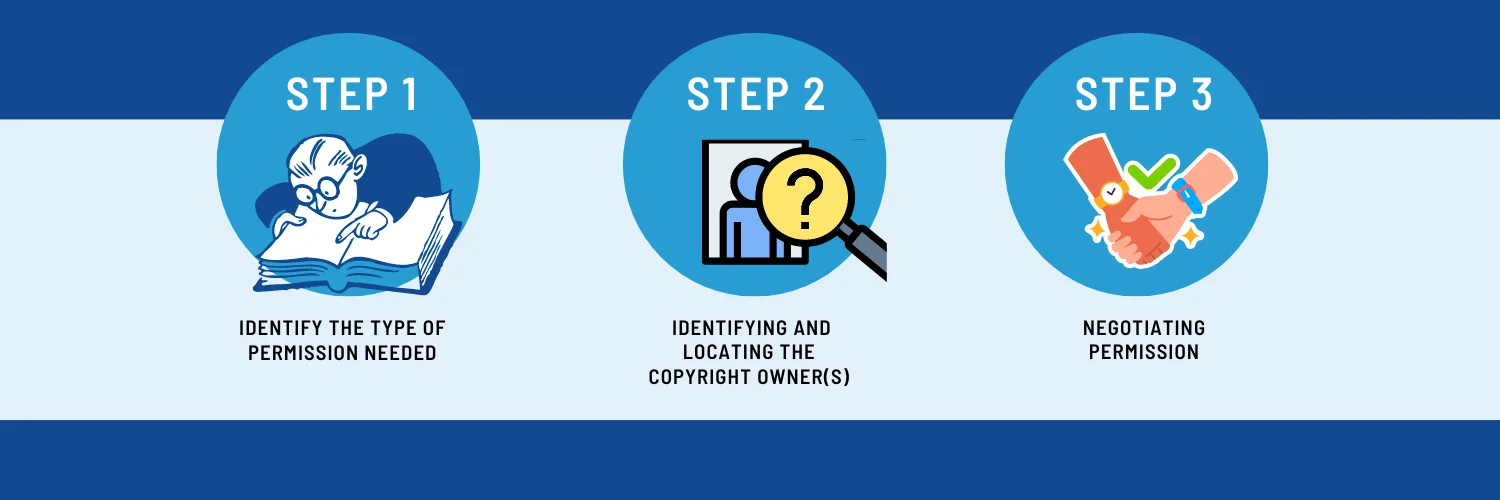
Step 1: Find the Real Owner
The image you found is rarely on its original source. A repost, a Pinterest pin, or a screenshot strips away the credit almost every time, so the first job is tracing it back.
- Reverse image search: Google Images, TinEye, or Pinterest's visual search will often surface the earliest or highest-resolution version, which is usually closer to the original source. (We walk through Google's reverse search and usage-rights filter in more detail in this guide.)
- Check the page it came from: look for a photo credit, "Image by," caption, or footer copyright notice near where you found it.
- Check for a portfolio: many photographers and illustrators sign work with a small logo or signature that points to a personal site, Instagram, or Behance.
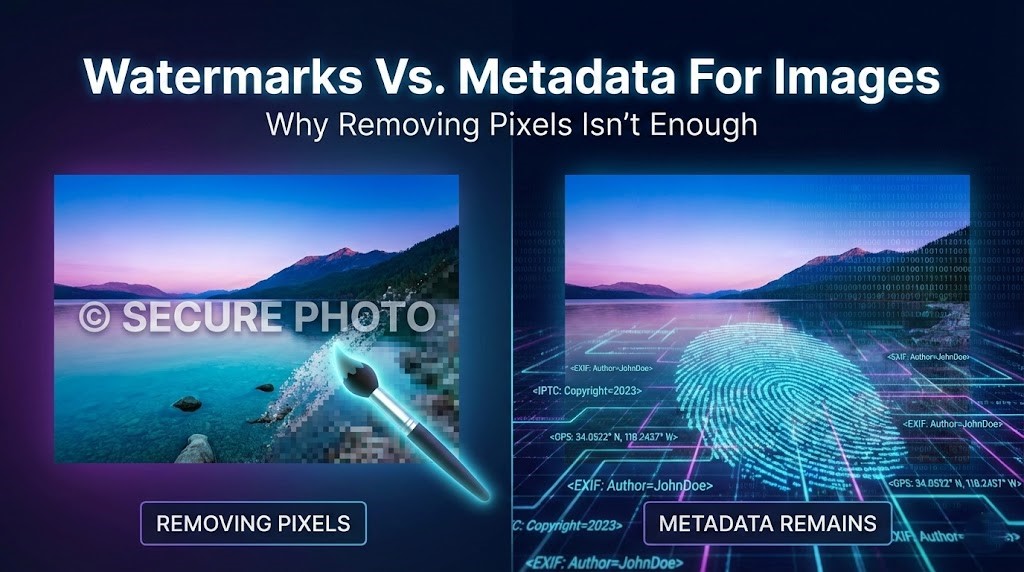
- Check the file itself: some images retain creator info in their metadata, viewable by right-clicking → "Properties" (Windows) or "Get Info" (Mac), though this is increasingly stripped by social platforms.
- If you can't verify ownership after a reasonable effort, treat the image as unusable rather than guessing. An unverifiable source isn't a safe source.
Step 2: Write a Request That Actually Gets a Reply
Generic, copy-pasted requests get ignored. Owners, especially photographers who deal with this often respond faster to messages that are specific and easy to say yes to. A good request answers four things in under 100 words: who you are, where you found the image, exactly how and where you'll use it, and whether it's commercial.
A template you can adapt:
Hi [Name],
I'm [your name] from [your site/company]. I came across your image at [link] and would like to use it on [specific page/post/use — e.g., "a blog post about X" or "a product page on our website"]. This would be [commercial/non-commercial use], and I'd credit you as [name + link] unless you'd prefer otherwise.
Would you be open to that? Happy to discuss licensing terms if you have a standard rate.
Thanks for your time,
[Your name]
Send it through whatever channel they're most likely to actually check — an email listed on their site usually beats a social media DM, which can land in a filtered request folder for weeks.
Step 3: When They Say Yes
Get it in writing, even if the original answer came as a quick reply or a comment. Before you publish anything, confirm three things with the owner:
Where the image can be used (one blog post, your whole site, paid ads, print) and for how long
- Whether modifying it: cropping, editing, or removing existing branding — is allowed
- Exactly how they want to be credited, if at all
- Save the email or message as a record. If you're ever asked to prove you had the right to use the image, "they said it was fine" isn't as useful as a screenshot with a timestamp.
Step 4: When They Say Nothing
This is the outcome most guides skip, and it's the one that trips people up most often. No reply is not a yes. It's tempting to assume that if a few weeks pass without objection, you're in the clear but permission has to be clear and affirmative, not inferred from silence. Using the image anyway carries the same risk as never asking at all.
If you don't hear back:
- Wait a reasonable period (a week or two) and send one polite follow-up - people miss messages constantly, especially DMs
- Try a second channel if you have one (email instead of Instagram, for example)
- After that, treat it as a no. Move on to a licensed alternative rather than using the image and hoping it doesn't come up
Step 5: When They Say No
Respect it and move on — there's no workaround that makes this safe. The good news is that "no" from one source just means you need a different image, not a different process. Stock platforms, Creative Commons libraries, and public domain collections can usually fill the same need without the uncertainty; we cover the main options in our legal image sourcing guide.
If You've Already Used an Image Without Permission
If you're reading this after publishing, not before, the priority is fixing it rather than waiting to see if anyone notices. Two scenarios are worth understanding: what happens if the owner files a complaint (covered in our DMCA explainer), and if you're on the other side and someone has used your work without asking how to report it yourself, which we walk through in this guide.
Where Watermark Removal Tools Fit Into This
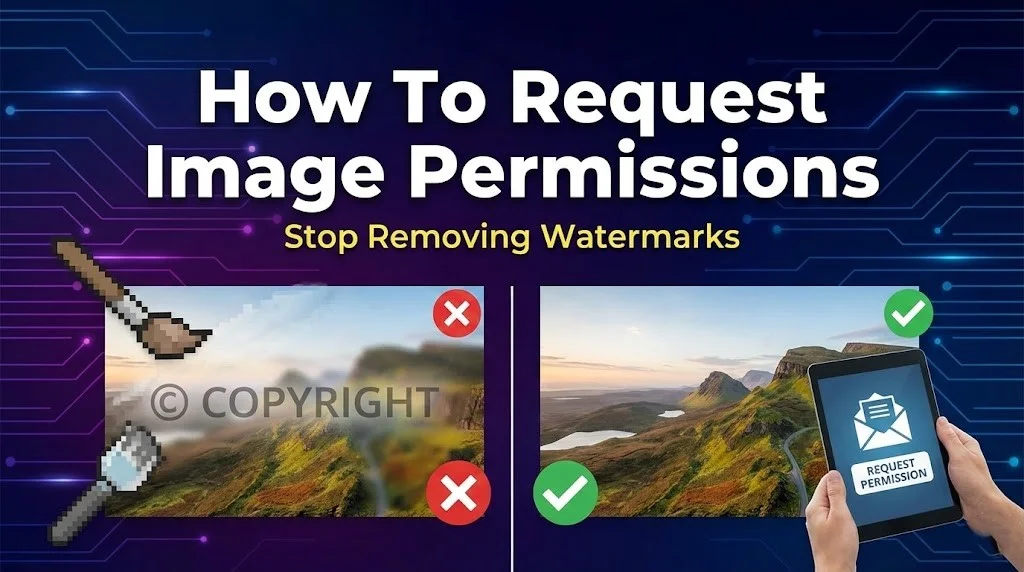
None of the steps above change just because an image happens to have a watermark on it. A watermark is a signal of ownership, not the thing standing between you and legal use - removing it doesn't grant permission you don't already have. Tools like Dewatermark.AI are built for the other side of this process: cleaning up images you've already licensed, purchased, or gotten explicit permission to use - like removing a stock preview watermark after buying the image, or tidying up your own product photos. Permission comes first; editing comes after.
Asking for permission takes a few extra minutes upfront. Dealing with a takedown notice, a payment demand, or a paused ad campaign takes a lot longer.