Remember that heated Facebook drama I mentioned in my first post? The one where a page slapped its logo over an artist’s work and claimed “it’s just AI”? That mess didn’t just happen because of greed; it happened because of a massive gap in education. Most people simply don’t understand the “social contract” of the internet. We’ve already explored the legal landscape of AI copyright, where we learned that raw AI output is often in a legal gray zone. We also debunked the myth that open-source AI means free resources. But even if the law is slow and the tech is complex, there is one tool that can save your reputation instantly: Image Credit.
Image credit is the bridge between being a “content ninja” who steals and a professional creator who builds. In 2026, where AI images are everywhere, knowing how to attribute work, whether you made it yourself or borrowed it, is the only way to stay respected in the community. Today, I’m breaking down the “Missing Manual” for AI attribution. We’ll look at what a credit actually is, why it’s your brand’s best defense, and how to handle those pesky watermarks ethically.
What exactly is an image credit?
At its core, an image credit is simply where the user gives attribution to the owner. It isn’t just a polite gesture; it serves two very practical purposes. First, it provides transparency. It tells your audience, “I didn’t make this; this belongs to someone else.” Second, it acts as a fair warning. It signals to others that if they want to use the work, they need to follow the owner’s specific terms, just like you did. Usually, this is just a name and a copyright notice, but that small line of text is the difference between a partnership and a lawsuit.
A common misconception is that if an image doesn’t have a copyright notice (like the © symbol), it’s free. That hasn’t been true in the USA since 1989. While many photographers and AI prompters still attach notices to protect their work online, the absence of one doesn’t mean the image is “homeless.” If you can’t find the owner or the credit info, the safest move is to move on. Don’t gamble with your brand’s future on an image you can’t clearly attribute.
Why giving credit image is a win-win for everyone
Why should you bother? If the prompter can’t technically “sue” you in every country, why take the time to type their name? From the perspective of the image owner, a credit is a form of appreciation and free advertising. It turns their creative “hustle” into a source of new business. But from your perspective, the user, it’s about law-abiding behavior and professional integrity. In many jurisdictions, moral rights mean an author has a legal right to be attributed to their work, regardless of the economic copyright status.
More importantly, giving image credit for someone makes you legally compliant with certain licenses, like Creative Commons. If you use a “Some Rights Reserved” image without the required attribution, you are technically infringing, even if the image was “free.” In the AI world, where reputation is the only real currency, being seen as a respectful collaborator is much more valuable than saving five seconds by skipping a caption.
Decoding the labels: Copyright, Licenses, and Fair Use
Before you post, you need to understand the “labels” attached to the visual work you find. Not all “free” images are created equal. Here are the most common terms you’ll encounter in 2026:
- Copyright (©): The exclusive right to reproduce, distribute, and display the work. Even in AI art, if someone has added “significant human effort,” they may claim this.
- All Rights Reserved: This is a “Stop” sign. You cannot use this work without direct, personal permission from the owner.
- Creative Commons (CC): A legal framework that allows sharing under specific conditions (like “Attribution Required”).
- Public Domain: The work is free of all restrictions. This happens when rights are abandoned or the term expires. Many argue raw AI art falls here, but it’s still polite to credit the tool used.
- Fair Use: A legal doctrine allowing limited use for education, research, or news. Warning: Just because you aren’t making money doesn’t mean it’s automatically “fair use.” Courts look at the character of your use, not just your bank account.
The “How-To” of professional attribution
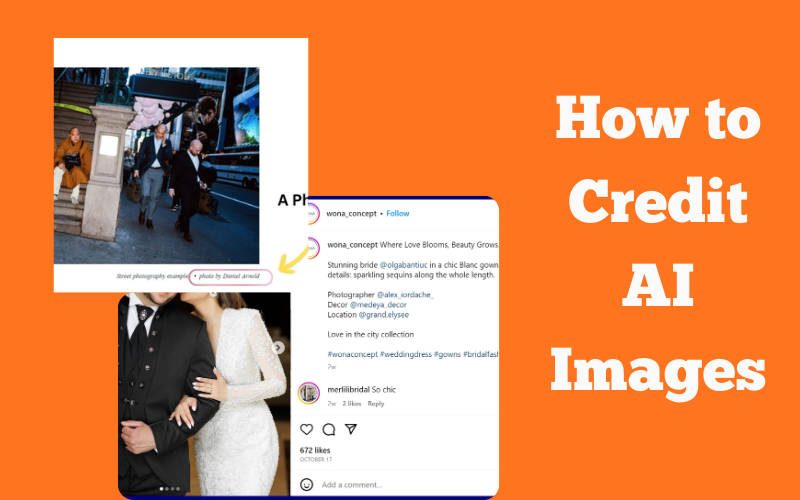
So, you’ve found the perfect image, and you have permission. How do you actually write the credit? The general rule is to place the credit adjacent to the photo—usually directly below it or along one of the edges. It needs to be readable and noticeable; don’t hide it in a tiny, gray font that requires a magnifying glass. Unless the owner has a specific requirement, follow this standard template:
[Image owner’s name], [Title of work], [Date], via [Link to source]
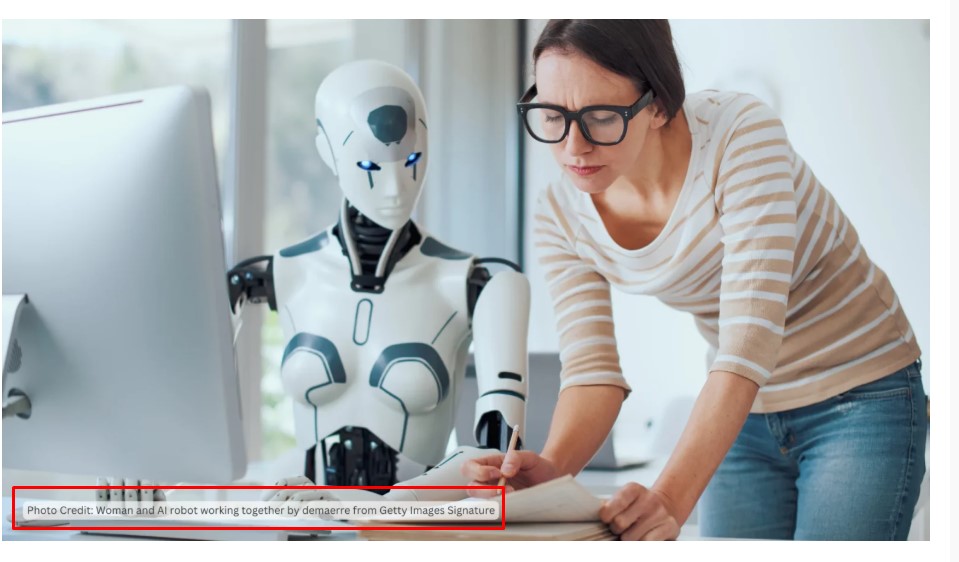
Example of how to write credit line for images belonging to another owner
For AI art, I recommend adding the tool or model to be extra transparent. For example:
“Jane Doe, ‘Electric Dreams’, 2026, prompted in Gemini Nano Banana Pro, via www.janedoeart.com”
Ethics and the “Clean Canvas”: Handling Watermarks
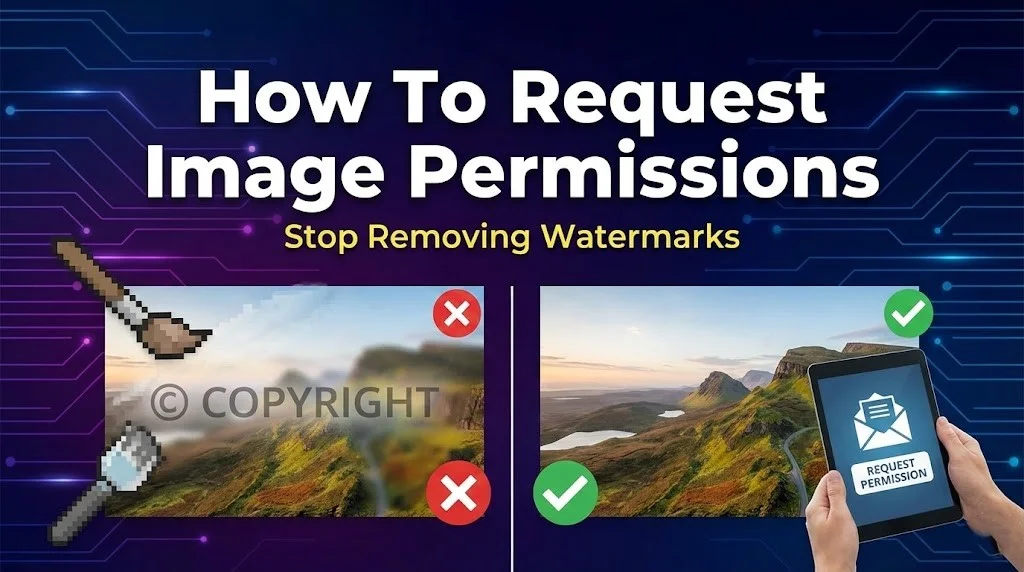
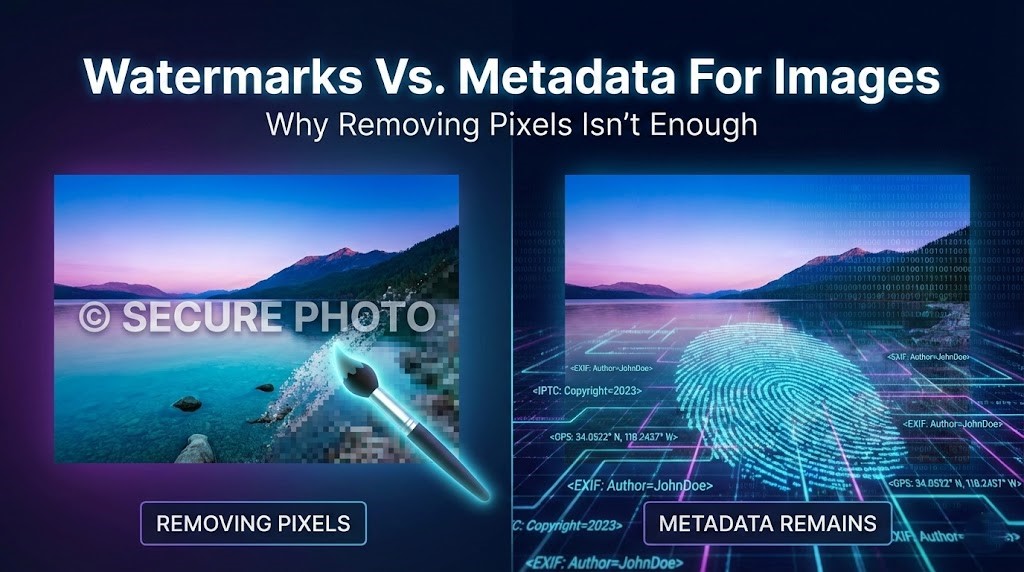
This is the part that gets tricky. Sometimes, an AI-generated image comes out with a “hallucinated” watermark, garbled text that the AI accidentally mimicked from its training data. Or, you’re a pro designer, and the creator’s watermark is so large it ruins the aesthetic of your website’s hero section. In these cases, using a tool like Dewatermark to clean watermark is a common professional practice. But there is a very thin line between **restoration** and **theft**.
If you use a tool to remove a watermark for a professional layout, you have a heightened responsibility to provide a clear, undeniable text credit in the caption. Removing a visual mark to “clean the canvas” is acceptable only if you don’t use it to “clean the history” of who made it. If you strip a signature so you can pretend you are the prompter, you are committing the same sin as the page in the drama I witnessed. The rule is simple: If the visual watermark goes away, the text credit must get louder.
Platform Rules: Facebook, GIPHY, and Beyond
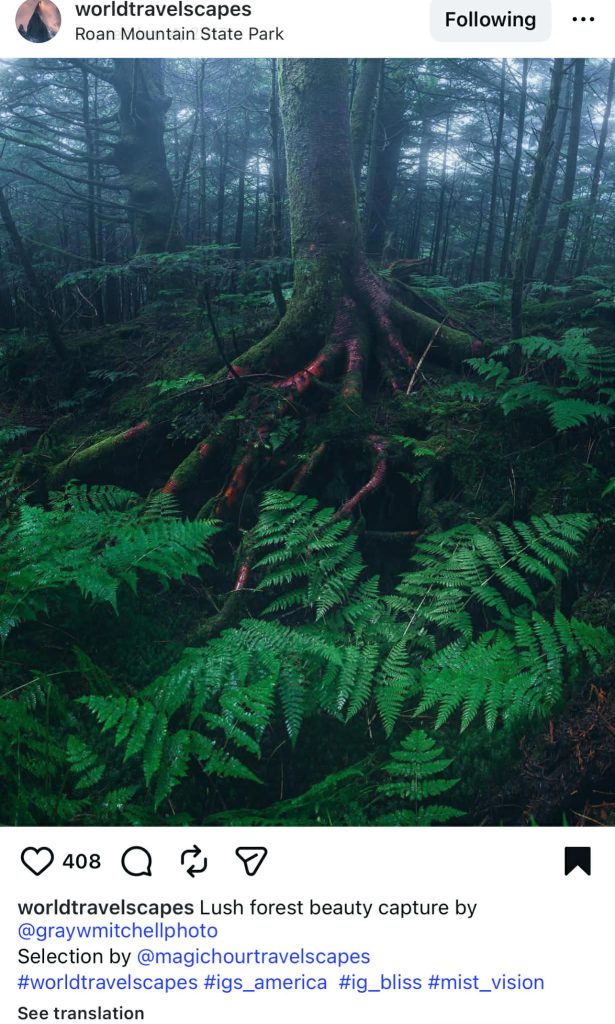
Every platform has its own vibe and rules. On Facebook and Instagram, the focus is on social sharing, but the copyright policy is strict. A common myth is that if you “modify” an image enough, you don’t have to credit it. That is false. Another myth is that “found on the internet” means it’s free. Also false. When sharing on these platforms, use the tagging feature (@username) as a supplement to, not a replacement for, a proper credit line.
WordPress creators often fall into the trap of “embedding.” A recent court case found that websites can still be liable for copyright infringement even when embedding posts without permission. Always use the “Write a caption” prompt in the WordPress editor to satisfy your attribution requirements. On the other hand, sites like **Unsplash** offer “freely-usable images” where attribution isn’t required but is strongly encouraged. A simple “Photo by [Name] on Unsplash” goes a long way in building goodwill.
Finally, a word on **Google and Pinterest**: These are search engines, not sources. Linking to “Pinterest” as a source is like saying you found a book “at the library” without naming the author. You must track down the actual creator. If you can’t find them, find another image.
Conclusion
At the end of the day, giving image credit is about being a professional in an era of digital chaos. Whether you are using a “Fast” model for a meme or a “Pro” model for a corporate infographic, transparency is your best friend. Technology like SynthID is making it easier than ever for owners to track their visual property, so trying to “ninja” your way around attribution is a losing game.
Before you hit “Publish” on that next post, ask yourself:
- Did I ask for permission or check the license?
- Is the credit easy to find and read?
- If I cleaned up a watermark, did I compensate with a clear text attribution?
If you treat other creators with respect, the community will do the same for you. AI is a tool for connection, not just generation. Let’s keep it that way.