Drop image anywhere
Watermark Remover
Multiple files?
Try Batch Mode
Drop an image or Ctrl + V to paste image
Max input resolution 6000x6000px | 10MB
png
jpg
webp
avif
Use this tool only with images you own, created yourself, or are authorized to edit. You are responsible for ensuring watermark removal complies with copyright and other applicable laws.
State-of-the-art AI Watermark Remover
DeWatermark watermark remover uses inpainting & GAN to detect and erase watermarks from images without blurring the background. Dewatermark offers 3 watermark removal AI models for varying use cases with the AUTO Remove 4.0 model being the new, most accurate model.


How to remove watermarks from photos
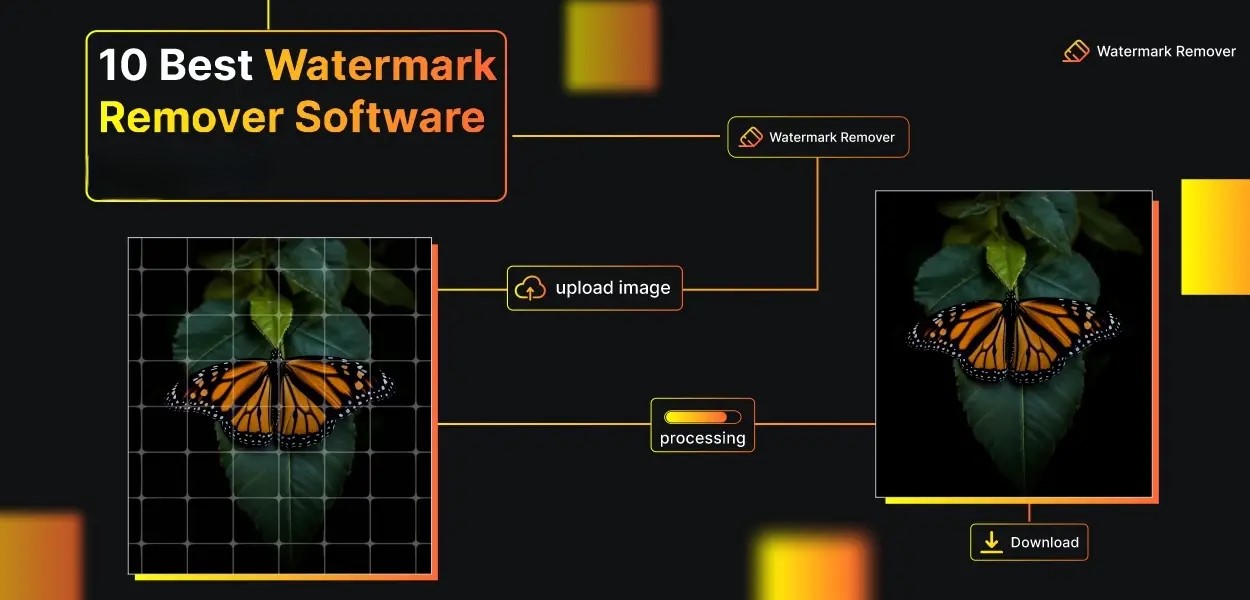
Our Image watermark removerautomatically detects and delete watermarks and logos from photo in 4 extremely easy steps:
1. Upload watermarked images
Drag and drop or click to upload. Supports JPG, PNG, WEBP, and AVIF up to 10MB or 6000×6000px. Paste directly from clipboard using Ctrl+V.
2. AI detect and remove watermarks automatically
AI watermark remover scans the image, isolates the watermark layer, and reconstructs the background in under 5 seconds. Choose from 3 AI models depending on watermark complexity: Auto Remove 2.0, Auto Remove 3.0, or PRO Remove.
3. Use AI brush for pixel perfect results
For complex or multi-layered watermarks, use the manual AI brush to paint over remaining artifacts with pixel-level accuracy. The brush applies inpainting locally to each painted region.
4. Download your HD photo after removing watermark
Download the cleaned image as JPG, PNG, or WEBP. Pro subscribers can download image in full HD without compression. Batch mode delivers all processed images as a single ZIP file.




Get Watermark Remover App
Dewatermark is available on Apple & Android store. Our app has been used to remove watermarks from photos & videos for users globally.


Types of Watermark DeWatermark Can Remove
Remove text watermark from images
Text watermarks appear as words, phrases, or copyright notices overlaid on images, often semi-transparent and centered. DeWatermark's AI detects text layers separately from the background and removes them using inpainting, reconstructing the pixels beneath without leaving blur or color shifts.

Remove logo watermark from photos
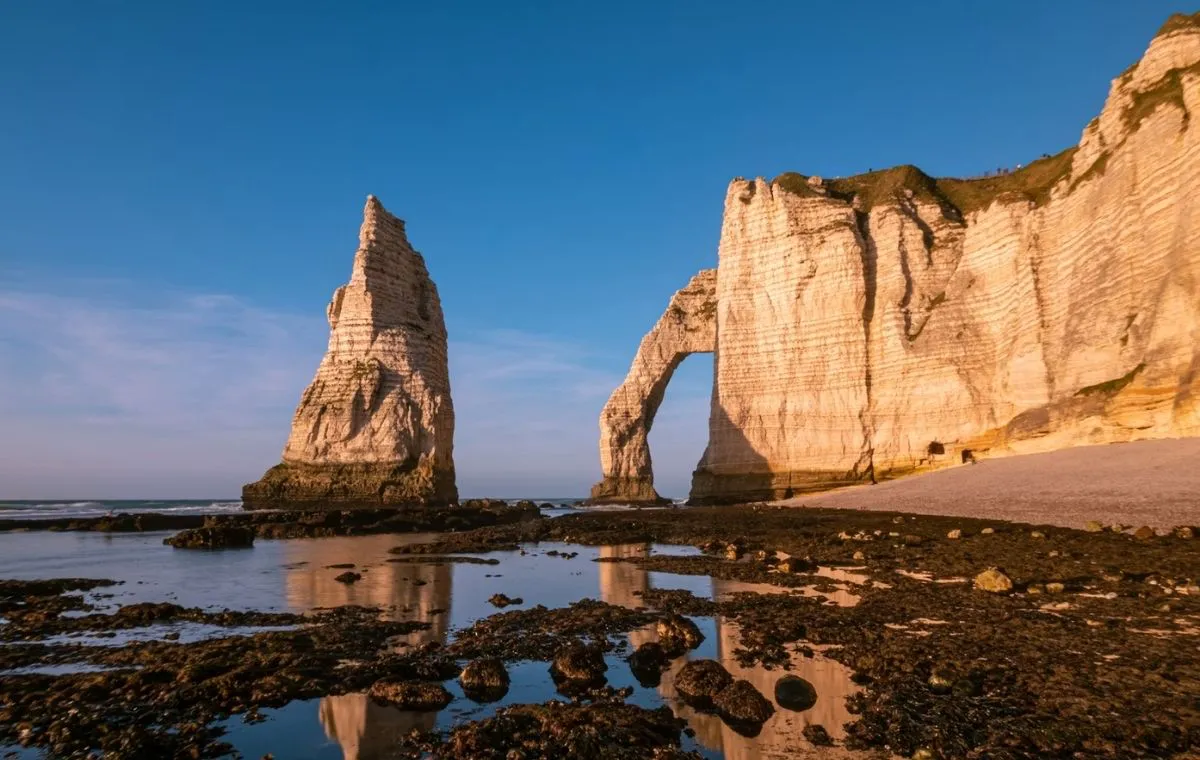
Logo watermarks are embed brand icons, symbols, or graphic marks into image corners or centers. It’s often attached to stock, commercial images for protection. DeWatermark isolates the logo layer from the background and reconstructs the area beneath, preserving surrounding textures, gradients, and colors.
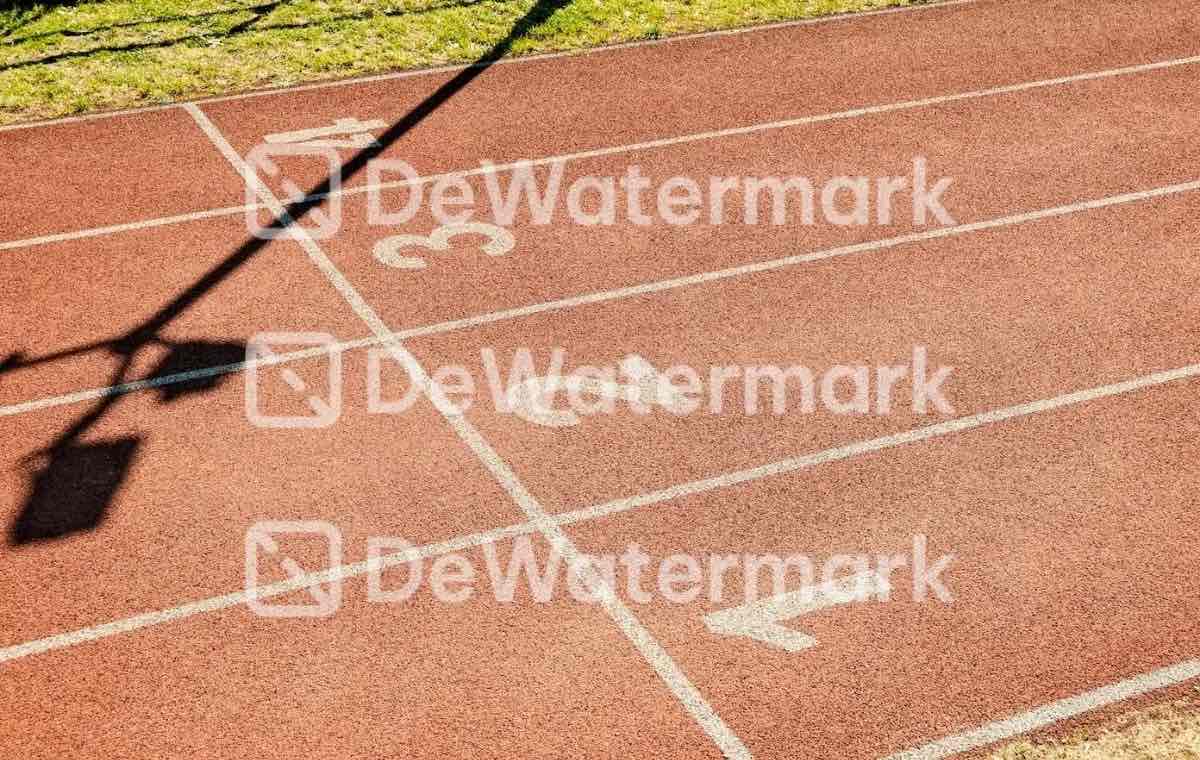

Remove diagonal watermark
Diagonal watermarks repeat text or patterns at an angle across the entire image surface, a common protection method for proof photos. DeWatermark detects the repeated diagonal pattern and removes it in one pass, restoring the full image beneath.


Remove watermarks from videos
Dewatermark video watermark remover is similarly powerful and capable with advanced AI model that can removes watermarks from each video frame accurately. Try it!
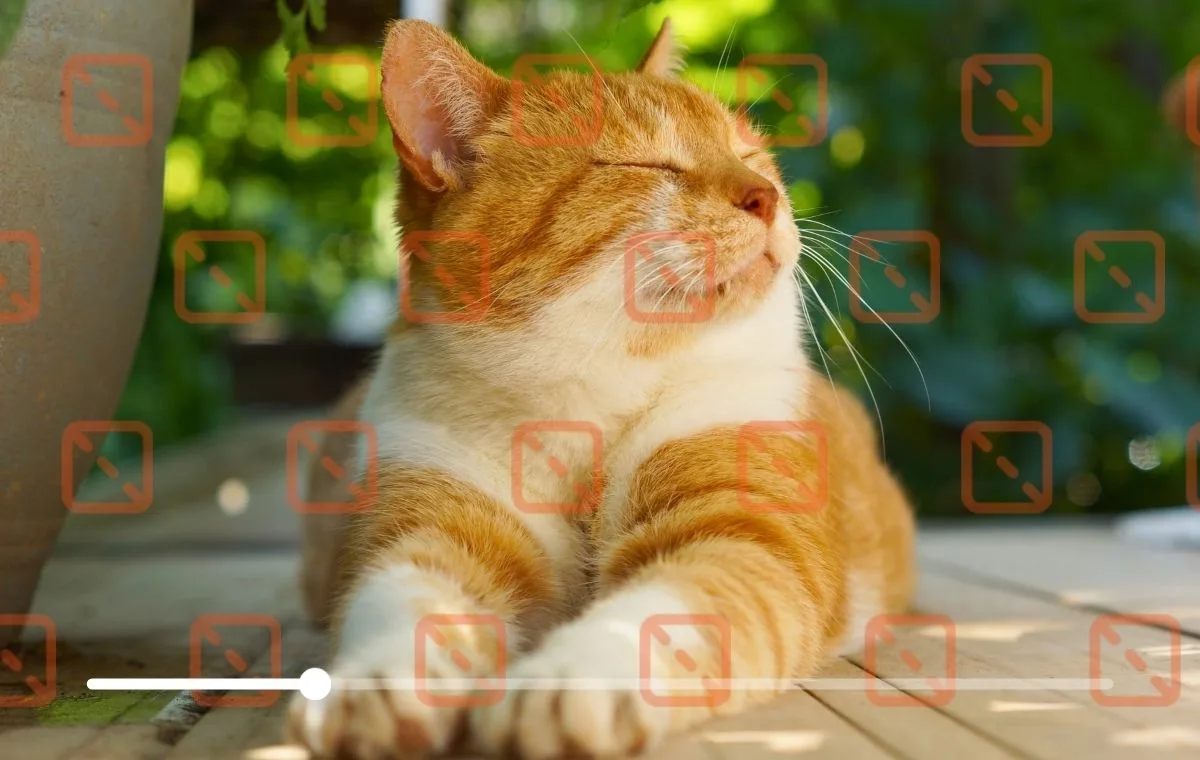
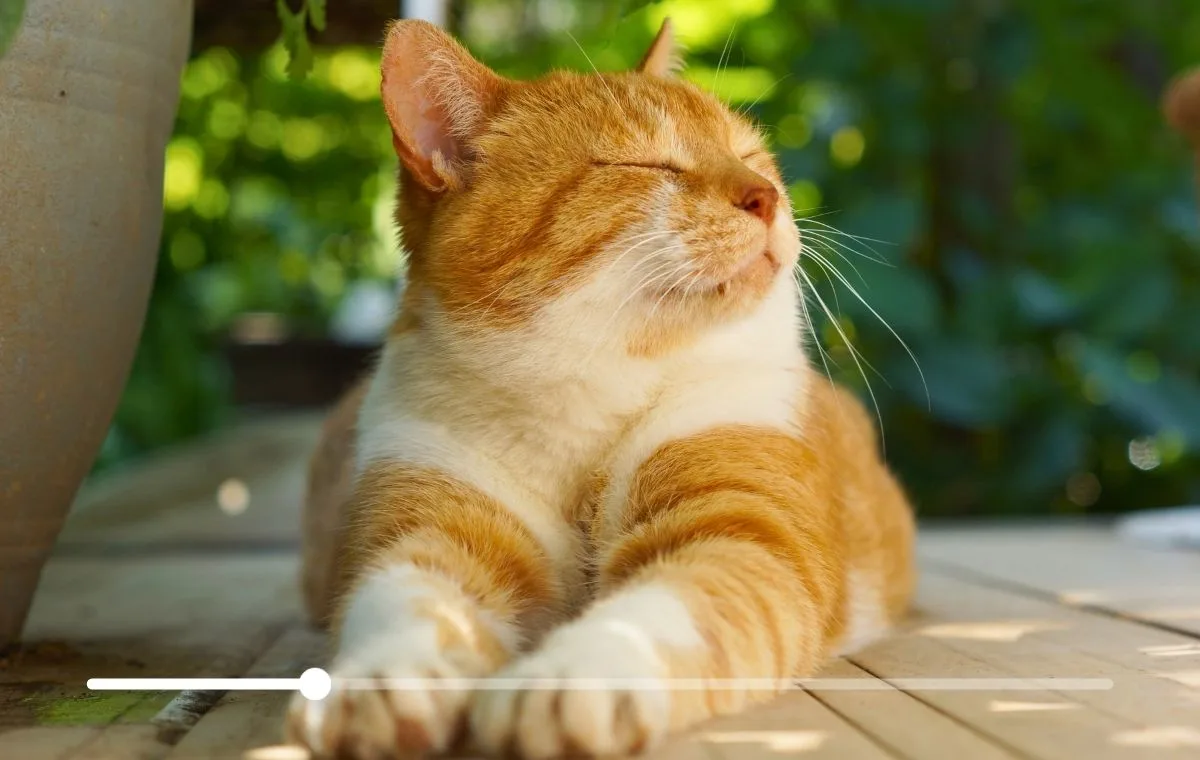
Remove transparent watermark from photos
Transparent or low-opacity watermarks (opacity below 0.05) are nearly invisible but still degrade image quality. DeWatermark's PRO Remove model detects watermarks at opacity levels as low as 0.02 and removes them without altering the visible image content.


Remove timestamps and date stamps from photos
Cameras and mobile apps embed date-time text into photos as fixed overlays in the corner. DeWatermark identifies the timestamp region, removes the text, and inpaints the background, restoring sky, ground, or wall textures naturally.


Remove full-screen watermarks from images
Full-screen watermarks tile text or patterns across the entire image surface, making them the hardest type to remove. Dewatermark, with smart AI, scans the full image for repeating overlay patterns and removes each instance, processing the entire surface in a single operation.


Remove signature watermarks from photos
Photographer and artist signatures appear as handwritten or stylized text overlaid on images. DeWatermark treats signatures as watermark layers and removes them using the manual AI brush, allowing precise removal without affecting surrounding image areas.


Why Dewatermark is the best Watermark Remover
AI Models Updated Frequently
Dewatermark' team constantly update and finetune our watermark remover models. We currently offers 3 removal models: Auto Remove 2.0 for emojis and simple overlays, Auto Remove 3.0 for most cases, and PRO Remove for multi-layered or near-invisible watermarks at opacity below 0.05. When the AI leaves artifacts, the manual brush applies inpainting locally to each painted area, effective for object removal, signatures, partial overlays, and irregular shapes.
APIs for Integration and Scaling
Integrate Dewatermark into your workflow easily with the Watermark Remover API or connect with your AI models using Remove Watermark MCP. Send us a message on Email or Telegram if you have any integration request or feedback!
Batch Watermark Removal
DeWatermark's batch mode processes up to 50 images simultaneously. Upload all files at once, apply the same removal settings, and download the cleaned images as a ZIP file in one step, ideal for e-commerce product photos and media libraries.
Data Privacy and Security
DeWatermark does not store, share, or publish uploaded images. Files are deleted from servers immediately after download. The desktop app for Windows and macOS contains no malware or tracking software. All file transfers use HTTPS encryption.
What people have to say about DeWatermark.ai
More Watermark Removal Tools
Our comprehensive ecosystem of image and video watermark remover tools.
Video Watermark Remover
Automatically remove logos and text watermarks from videos in MP4 and MOV format.
Try Now
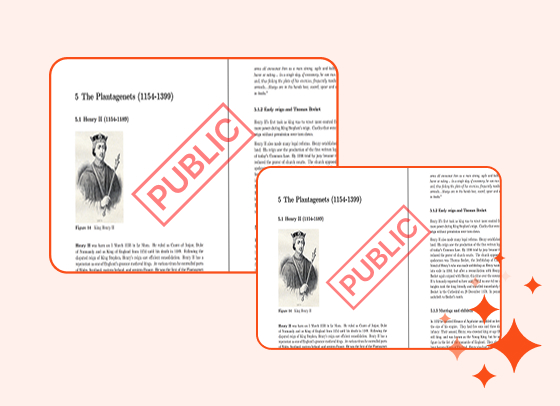
PDF Watermark Remover
Remove watermarks from PDF documents. Preserves layout, fonts, and resolution.
Try Now
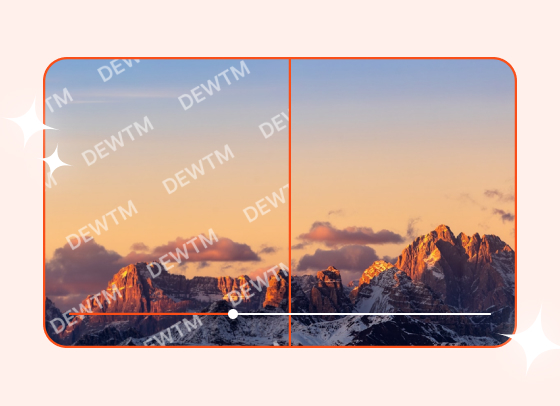
Magic Text Remover
Remove text overlays, dates, and labels from images with precision.
Try Now

Bulk Watermark Remover
Batch remove watermarks from upto 50 images in one click
Try Now
Frequently Asked Questions
Stuck? - We're here to help.
You can upload your image to DeWatermark. The AI automatically detects and removes the watermark in under 3 seconds. Free users get 3 images per day with no login required.
DeWatermark removes watermarks from JPG, JPEG, PNG, WEBP, and AVIF files up to 10MB or 6000×6000px resolution.
Yes. DeWatermark runs entirely in your browser, no Photoshop, no software installation required. The AI handles detection and removal automatically on any device, including iPhone and Android.
No. DeWatermark's AI inpainting reconstructs the background after removal, preserving the original resolution, texture, and color. Output files maintain the same quality as the input.
Yes. DeWatermark's batch mode processes up to 50 images simultaneously. Upload all files at once, select the removal model, and download all cleaned images as a ZIP file in one step.
Using DeWatermark is legal. Removing watermarks from images you own or have permission to edit is permitted for personal and commercial use. Removing watermarks from copyright-protected images without permission violates copyright law. Always ensure you hold the rights to images before removing watermarks.
Yes. When the AI does not fully remove a watermark, the manual brush tool lets users paint over remaining artifacts. The brush applies AI inpainting locally to each painted area for pixel-perfect results.
DeWatermark processes each image in under 3 seconds for standard watermarks. Complex or multi-layered watermarks processed with the PRO Remove model may take 5 to 10 seconds depending on image size.
Yes. DeWatermark works on iPhone and Android devices through any mobile browser — Chrome, Safari, or Firefox — without app installation. A native iOS app is also available on the App Store.
Yes. DeWatermark offers desktop software for Windows and macOS. The desktop app processes images faster than the online version and supports bulk watermark removal for Pro subscribers. Download at dewatermark.ai/tools.
Unlimited means human users can process images without daily restrictions. Automated or bot usage is not permitted. Batch mode credits are charged separately from the unlimited plan.
Learn More About Watermark Removal
Guides and resources to help you remove watermarks effectively and understand image copyright.