Drop image anywhere
Remove Background with AI
Drop an image or Ctrl + V to paste image
Max input 10MB
png
jpg
webp
heic
avif


How to remove background from pictures with Dewatermark?
We're committed to enhancing the editing experience for our valued users. That's why we've updated our background remover tool. Here is how it works:
1. Import your image
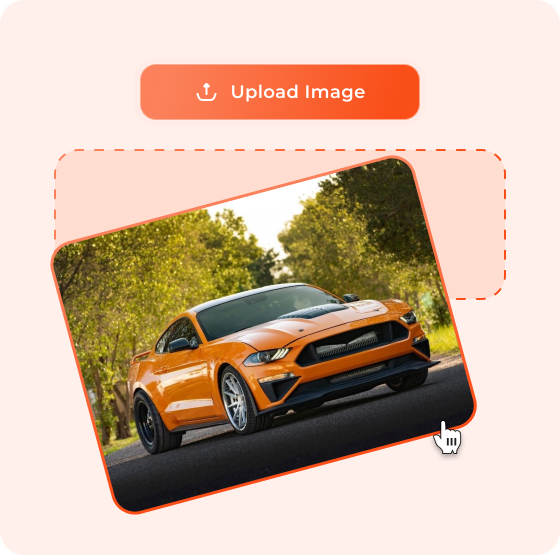
Simply upload your image from your device, or drag and drop it directly from another tab.
2. AI removes background
Our AI instantly analyzes objects and backgrounds in your picture, intelligently determines what to keep, and removes the background automatically.
3. Edit background
Once the original background is removed, you have full control to customize it—change colors, upload a new photo, or apply it as your fresh background.
4. Download image
Dewatermark lets you download your edited images in HD quality, preserving every detail without any loss.


Background Remover For Every Creative Need
Make images transparent
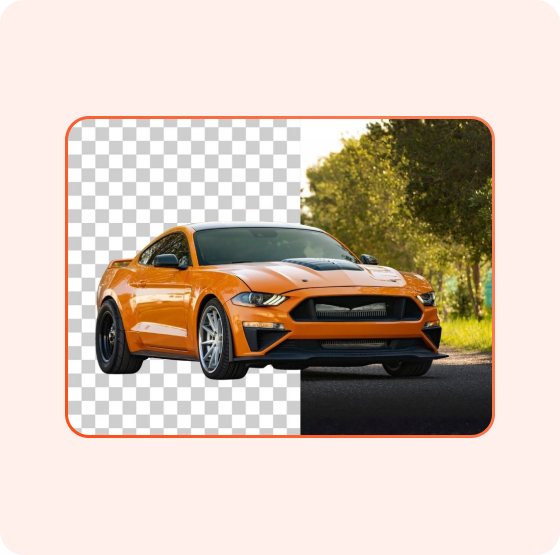
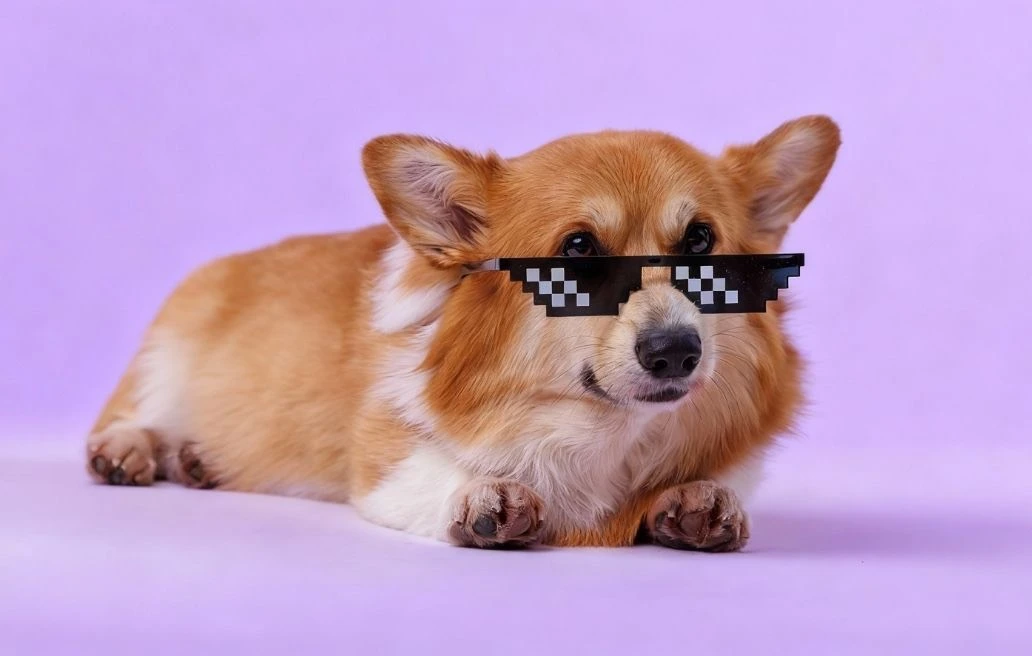
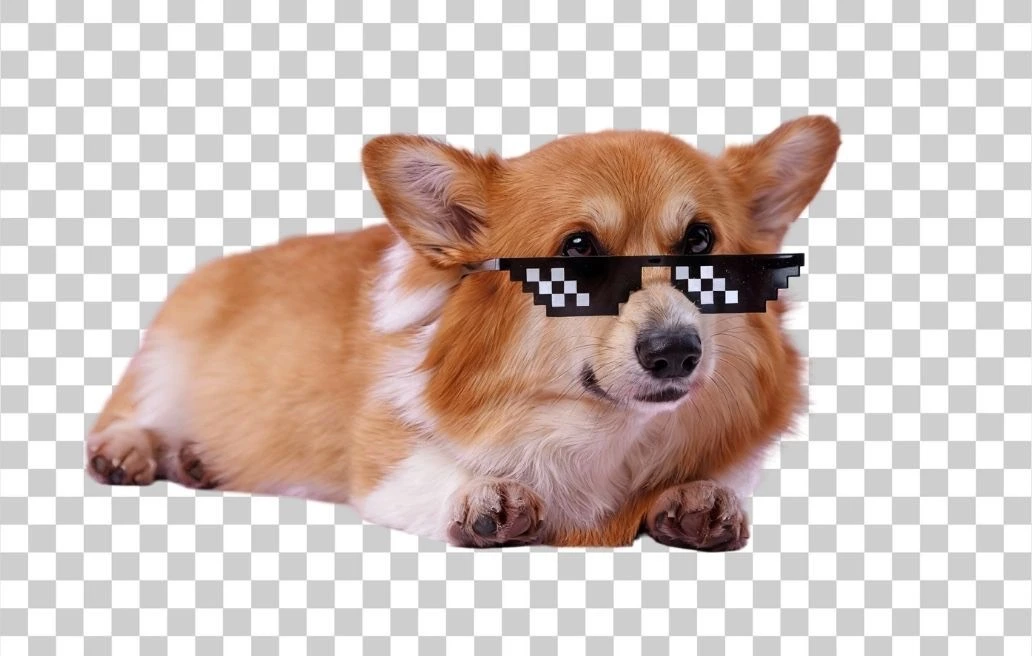
Dewatermark's background removal tool can make any image transparent within seconds. The entire process is 100% automated by AI, making it effortless. Transparent images are ideal for professional image editors, allowing you to layer them onto other photos without disrupting the existing background.
Remove background for logos
Use Dewatermark's background remover to make logo images transparent, enabling you to place them effortlessly on various media like product images, banners, flyers, or portfolio designs. Trained on thousands of logo photos, our AI produces clean, natural edges while preserving every intricate detail of your logo design.

Remove background for product images
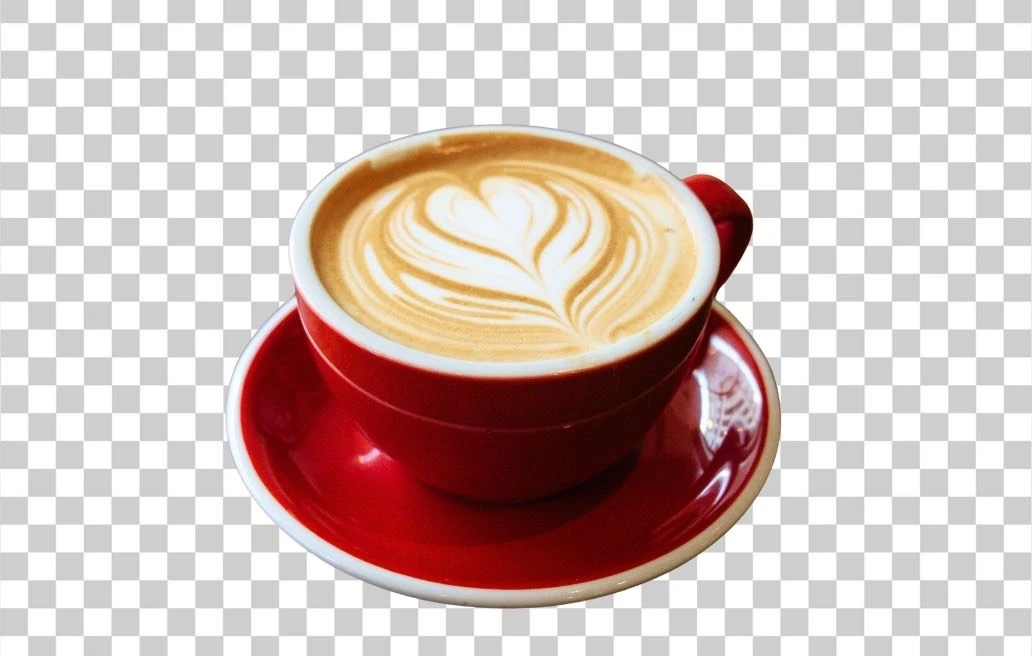
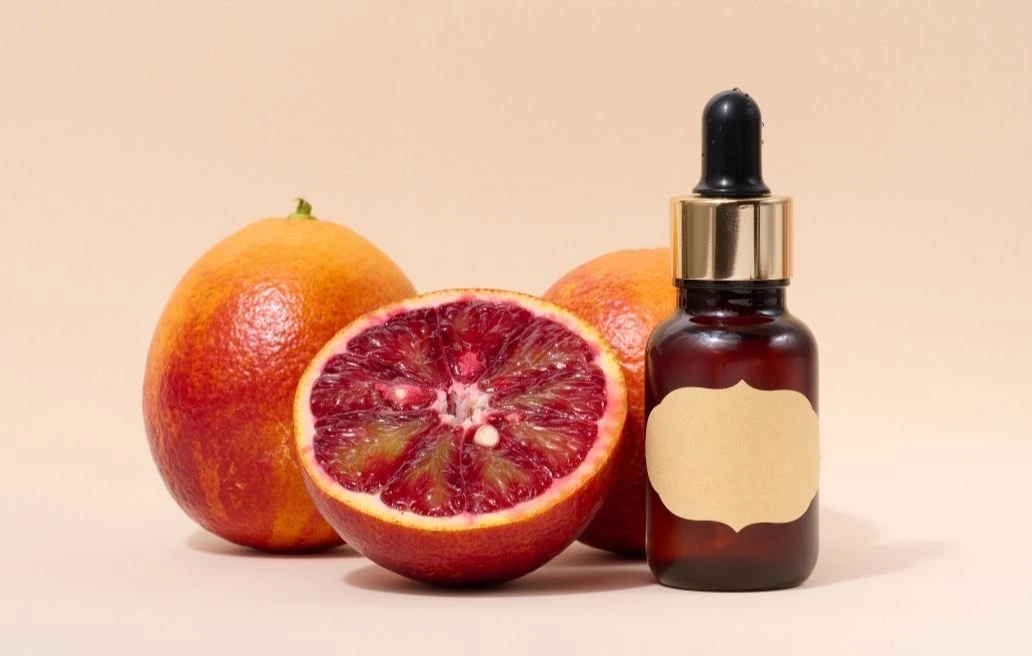
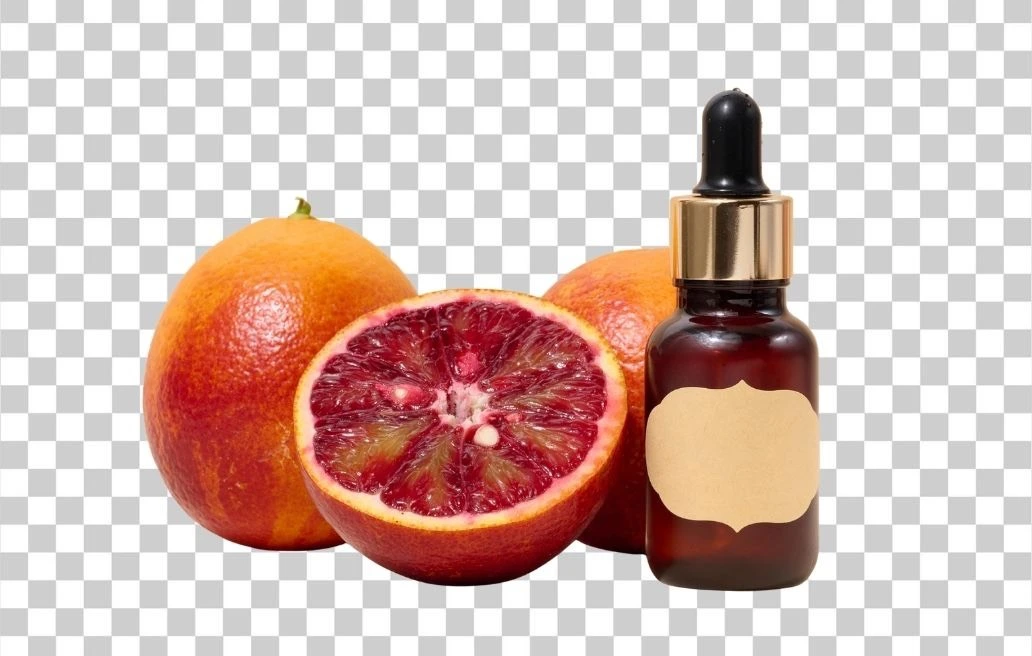
Dewatermark's background remover is perfect for removing backgrounds from product images. Whether you need to comply with e-commerce platform requirements or refresh your product mood for seasonal campaigns, our tool delivers. It saves companies and design teams significant costs. No need to retake photos or rent expensive studios. Our AI background remover streamlines the entire workflow efficiently.

Remove background for people photos
While removing backgrounds from photos with people presents unique challenges—hair strands, dynamic gestures, intricate clothing—Dewatermark's AI handles them expertly while maintaining natural edges. Once the background is removed, you gain creative freedom to design images exactly as you envision.
Smart AI
Our AI learns continuously and removes backgrounds instantly. No editing skills required.Anyone can use it.Manual Editing
Choose from multiple preset backgrounds after removing the original, or upload your own custom background to match your creative vision.Cross-Device Compatibility
Access our tool seamlessly on both mobile and desktop devices without downloading any apps or software. That's the convenience of a web-based background remover.HD Download
Pro users enjoy HD download support, ensuring your images maintain exceptional quality for professional applications.
What Our Users Say
Frequently Asked Questions
Stuck something - we're here to help.
Yes, the basic background removal feature is free with no watermarks. Pro users get additional benefits like HD downloads and batch processing.
We support JPG, AVIF, PNG, HEIC and WebP formats. Your edited images can be downloaded as PNG files with transparent backgrounds.
Free users can upload images up to 5MB. Pro users have a higher limit of 10MB per image for processing larger files.
Absolutely! Our web-based tool works seamlessly on mobile browsers. Just visit Dewatermark.ai from your phone, upload an image, and the AI does the rest—no app download needed.
Our AI is trained on millions of images and handles most scenarios well, including hair details and transparent objects. For best results, use images with clear subject-background contrast.
Yes! After removing the background, you can change it to a solid color, upload a custom image, or download with a transparent background for further editing. Beyond watermark remover, on Dewatemark, you can seamlessly continue editing backgrounds or enhancing images with ease.
We prioritize your privacy. Uploaded images are automatically deleted from our servers within 24 hours after processing.
Pro users get HD downloads (up to 4K resolution), batch processing for multiple images, no daily upload limits and no advertisement.